
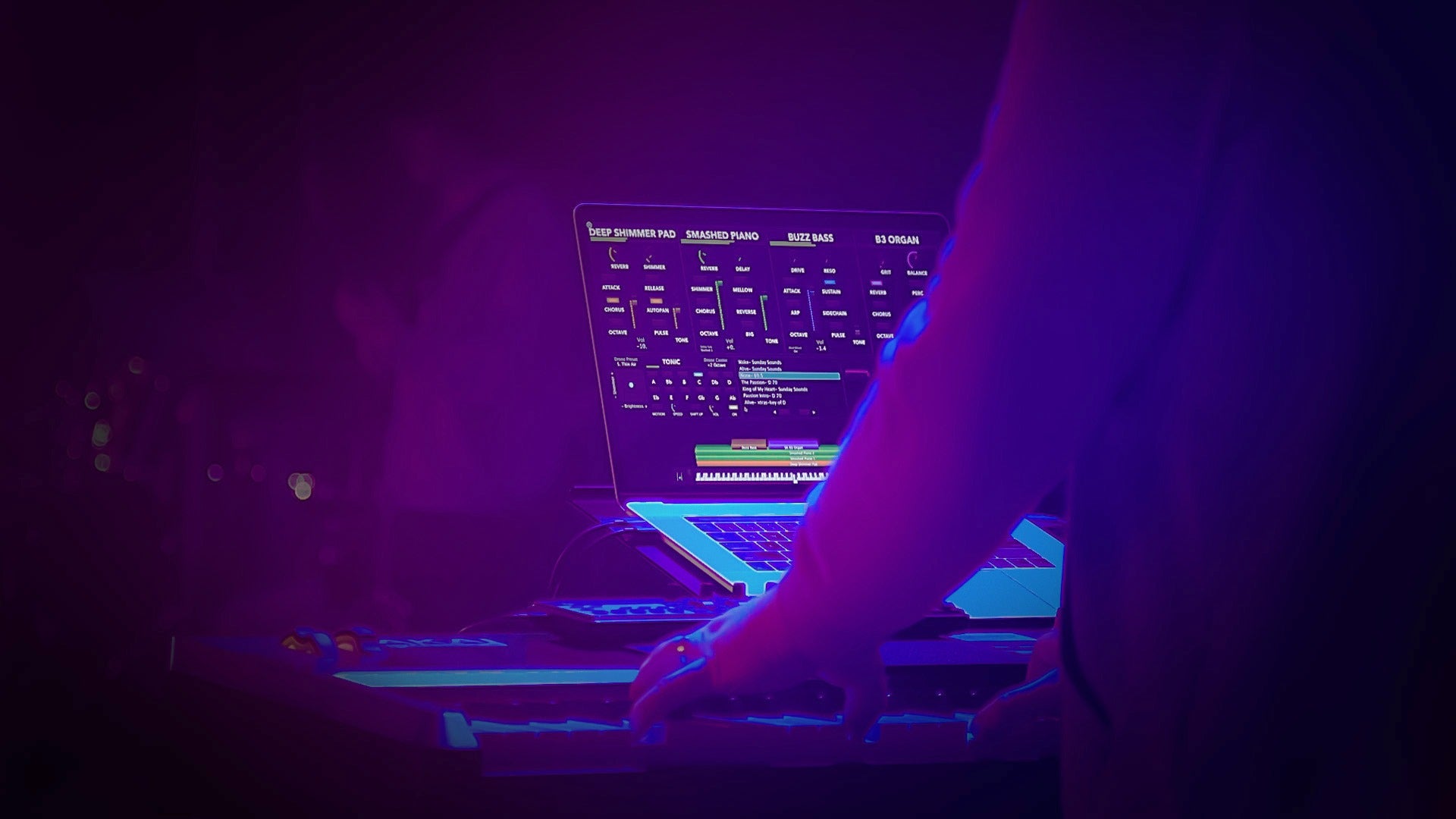
If you're a worship keyboard player using the Sunday Keys App, you already have access to hundreds of professionally designed sounds. But one of the most powerful features of the app often flies under the radar:
Plugin Hosting.
On iPad, the Sunday Keys App lets you load AUv3 instrument plugins directly inside your worship patches. On Mac, you can host both AUv3 and Audio Unit (AU) instruments, opening the door to a massive ecosystem of third-party sounds.
That means your favorite virtual instruments, from iPad plugins to studio staples like Keyscape, Kontakt, Omnisphere, and Spitfire Audio libraries, can all become part of your Sunday Keys workflow.
One of the newest additions to the growing AUv3 ecosystem is the Super J8 from AudioKit.
After spending some time exploring it, here's why it might be one of the most enjoyable analog synth plugins available for iPad worship musicians.

What Is the Sunday Keys App?
The Sunday Keys App is a standalone worship piano and keys App for iPad and Mac that lets you build professional keyboard patches using layered sounds, pads, pianos, synths, strings, ambient textures, and more that you can use whether you're playing modern worship, gospel, CCM, hymn arrangements, or instrumental music.

Importing a Shared Set is easy! With Sunday Keys installed on your iPad or Mac you can click on the Shared Setlist link to launch and import the Setlist. You can also import a Shared Setlist by opening the Setlist Browser by tapping the ">" arrow next to the Set's name, tapping "Import Setlist", entering the link in the field, then tapping "Load Setlist".
After importing or clicking a Shared Setlist link, you'll be asked to name the Set. Enter the desired name and make your selection to "Save and Load Setlist" or "Save Setlist to Library".
How to Get Started with the Sunday Keys App
Before downloading the app:
-
Choose the license that's right for you (You can also use the App for Free in Demo Mode)
-
Download the Sunday Keys App from the App Store on your iPad or Mac
-
Sign in using the same email address as your Sunday Sounds account

What Is Super J8?
Inspired by the legendary Jupiter-8, SUPER J8 brings vintage analog warmth to your iPad with cutting-edge Machine Learning.
EXPLORE 600+ hand made presets, a classic step sequencer, dual arpeggiators, analog-style filters, tape delay, reverb, chorus, 3 LFOs, and real-time FX control. Your creativity will never hit a wall.
PLUS NEW FEATURES like Oscillator Sync, Cross-Modulation, 2x Oversampling, True Per-Voice Poly Unison, PWM, Analog Voice Modeling, Analog Panning, Envelope Polarity, and Single-Note Polyphony for epic pads and drones that never stop.
The video walkthrough for Super J8 at the top of the page says
“This video is private” and requires a sign in password,
This hasn’t happened with previous blogs.